What is LACP in Cisco Nexus and How Does It Work?
Cisco Nexus switches are widely used in modern data centers because of their high performance, reliability, and scalability. One of the most important technologies supported by Cisco Nexus devices is LACP (Link Aggregation Control Protocol). LACP allows multiple physical links to be combined into a single logical link, improving bandwidth, redundancy, and traffic load balancing. In this guide, we will explain what LACP is, how it works on Cisco Nexus switches, and provide a Cisco Nexus LACP configuration example to help you understand it practically.
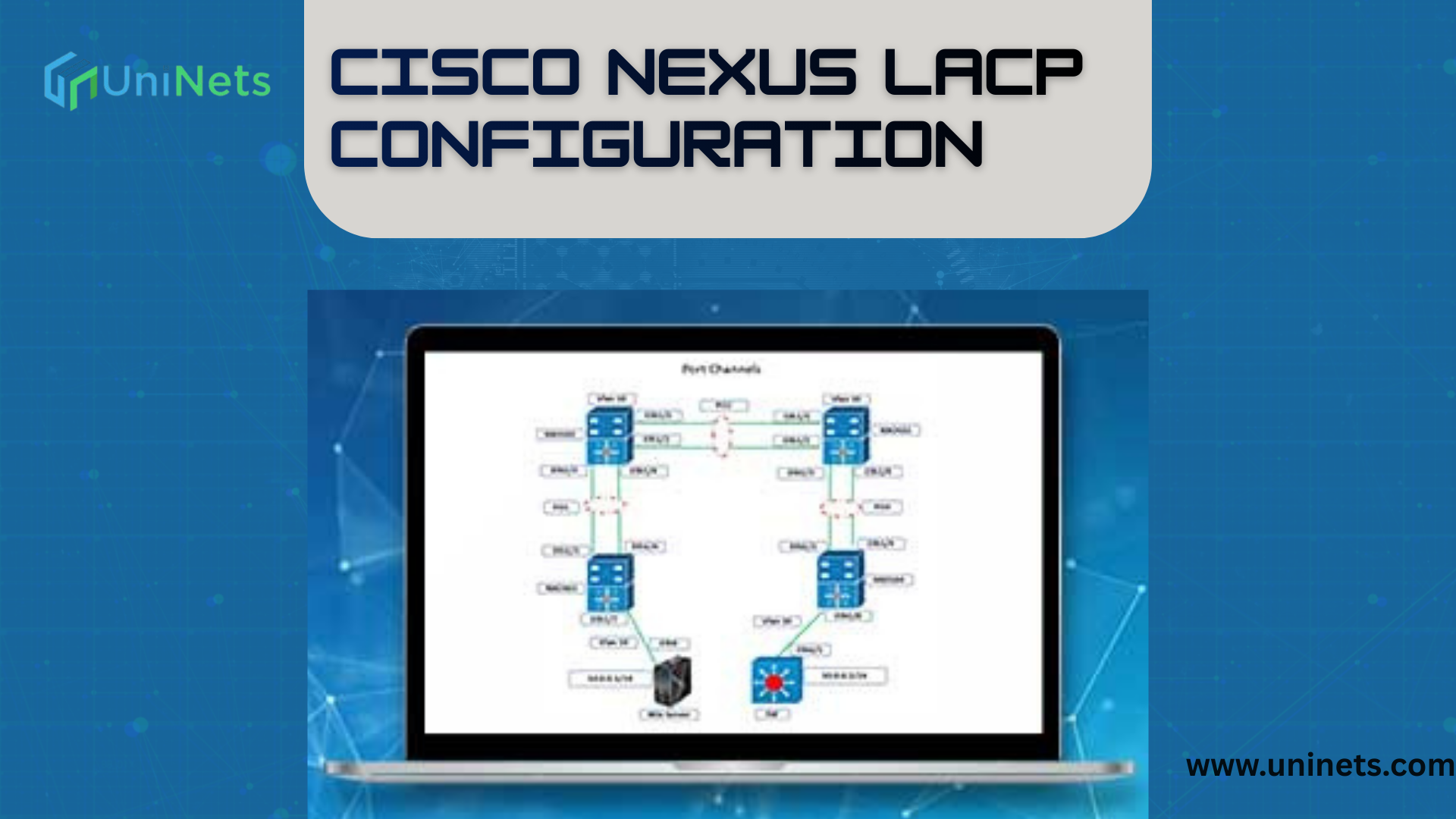
Before proceeding to the actual lab task configurations, please create a similar topology as given above in your lab or remote Cisco Nexus virtual lab and configure switches step by step. So here we go.
What is LACP?
LACP (Link Aggregation Control Protocol) is part of the IEEE 802.3ad standard. It allows multiple Ethernet links to be bundled together to form a single logical connection. This logical link is called a port-channel or EtherChannel.
Benefits of LACP
- Increased bandwidth
- Redundancy (no single point of failure)
- Load balancing across links
- Easy link expansion
- Centralized management
If one link fails, traffic automatically shifts to the remaining links without downtime.
How LACP Works in Cisco Nexus
Cisco Nexus switches use LACP to dynamically detect and group links between two devices. LACP communicates between devices to ensure both ends agree on the aggregation. This negotiation prevents misconfiguration and ensures stability.
LACP Modes
Cisco Nexus supports two modes:
1. Active Mode
In active mode, the device actively sends LACP negotiation packets.
2. Passive Mode
In passive mode, the device only responds to LACP packets but does not initiate.
Cisco Nexus LACP Configuration Example
Below is a simple Cisco Nexus LACP configuration example showing how to bundle two interfaces into a port-channel:
Step 1: Create the Port-Channel
interface port-channel10
switchport
switchport mode trunk
Step 2: Add Interfaces to LACP Group
interface ethernet1/1
switchport
switchport mode trunk
channel-group 10 mode active
interface ethernet1/2
switchport
switchport mode trunk
channel-group 10 mode activeStep 3: Verify Configuration
show port-channel summaryThis command will display:
- Operational status
- Member ports
- LACP state
Why Use LACP in Cisco Nexus Networks?
LACP is especially useful in environments requiring high availability and stable performance such as:
- Data centers
- Enterprise networks
- Cloud environments
- Virtualization platforms
It ensures continuous connectivity even if a physical cable or port fails.
LACP and Default Gateway Communication
In any network, devices must reach destinations outside their local network using a default gateway. The default gateway IP is the router interface address used to forward traffic to external networks. In large networks, LACP ensures that communication between switches and the default gateway remains reliable.A default gateway guide typically explains how routing works, and combining that with LACP ensures:
- No single path failure
- Smarter traffic forwarding
- Redundant uplinks toward routers
This strengthens overall network resiliency.
Real-World Example: Data Center Setup
Imagine a data center with multiple Cisco Nexus core switches. LACP allows administrators to bundle several 10-Gbps links into a massive logical pipeline. This setup provides:
- High throughput
- Seamless failover
- Centralized control
Servers, routers, and storage devices benefit significantly from such aggregated links.
LACP vs Static EtherChannel
| Feature | Static EtherChannel | LACP |
|---|---|---|
| Negotiation | No | Yes |
| Auto-recovery | Limited | Advanced |
| Detection | Manual | Automatic |
| Flexibility | Lower | Higher |
LACP offers greater intelligence, automation, and safety.
How LACP Relates to VoIP Networks (Cisco Packet Tracer Example)
VoIP (Voice over IP) systems rely heavily on reliable, stable network connections. When deploying VoIP in Cisco Packet Tracer, network engineers simulate IP phone connectivity, call routing, and voice communication.LACP helps ensure:
- Stable voice traffic paths
- Low latency
- Redundancy for mission-critical voice services
When performing Cisco IP phone configuration step by step, ensuring redundant switch connections prevents dropped voice calls and downtime.Similarly, while designing VoIP configuration in Packet Tracer, LACP links can be simulated to demonstrate high-availability networks.
Troubleshooting LACP on Cisco Nexus
Common issues include:
- Mismatched modes
- VLAN misconfiguration
- Interface shutdown
- Speed/duplex mismatch
Useful Commands
show lacp neighborshow interface port-channelshow running-config interfaceBest Practices for Cisco Nexus LACP
Keep Modes Consistent
Use active-active for dynamic negotiation.
Monitor Performance
Regularly verify port-channel status.
Plan Redundancy
Distribute links across different hardware modules if possible.
Maintain Documentation
Include:
- Link IDs
- Interface lists
- VLAN mappings
Summary: Why LACP Matters in Cisco Nexus Networks
LACP plays a crucial role in maintaining stable, scalable, and resilient network infrastructure. On Cisco Nexus switches, it allows multiple physical links to behave as a single connection, increasing performance while reducing downtime risks.It also supports other networking applications such as:
- VoIP communication
- Enterprise routing
- High-performance data centers
- Redundant default gateway connectivity
Whether you’re configuring a lab, working with VoIP Cisco Packet Tracer, or designing real-world enterprise infrastructure, mastering Cisco Nexus LACP is an essential networking skill.
Final Thoughts
If you want to build a network that delivers:
- High availability
- Improved throughput
- Seamless failover
- Better traffic management
then LACP on Cisco Nexus switches is one of the smartest technologies to implement.